We are currently witnessing one of the largest shifts in operating system history. Microsoft has engineered Windows 11 to be an absolute fortress of security, introducing strict hardware requirements—most notably the need for a TPM 2.0 security chip and a modern, late-generation processor. Let me be clear: Microsoft's focus on native security is highly commendable. In an era of constant cyber threats, building a highly secure, modern OS is the responsible thing for them to do.
However, this massive leap forward comes with a significant casualty: millions of perfectly functional, robust, and heavily built legacy machines are being left behind on Windows 10, an operating system that will soon reach its end-of-life for security updates. If you own an older Dell OptiPlex tower, an early-generation HP ProDesk, or a classic Lenovo ThinkPad, you might notice it struggling under the weight of modern Windows background tasks, or outright refusing the Windows 11 upgrade.
You might think it is finally time to throw that sturdy hardware in the bin. It isn't.
Escaping the Overhead
The truth is, your older hardware is not fundamentally broken; the software ecosystem has just become too heavy. Windows is a massive, complex operating system that is constantly running heavy background telemetry, mandatory silent updates, and deep file indexing services. These processes consume a massive amount of your available RAM and processor power before you even click to open a web browser.
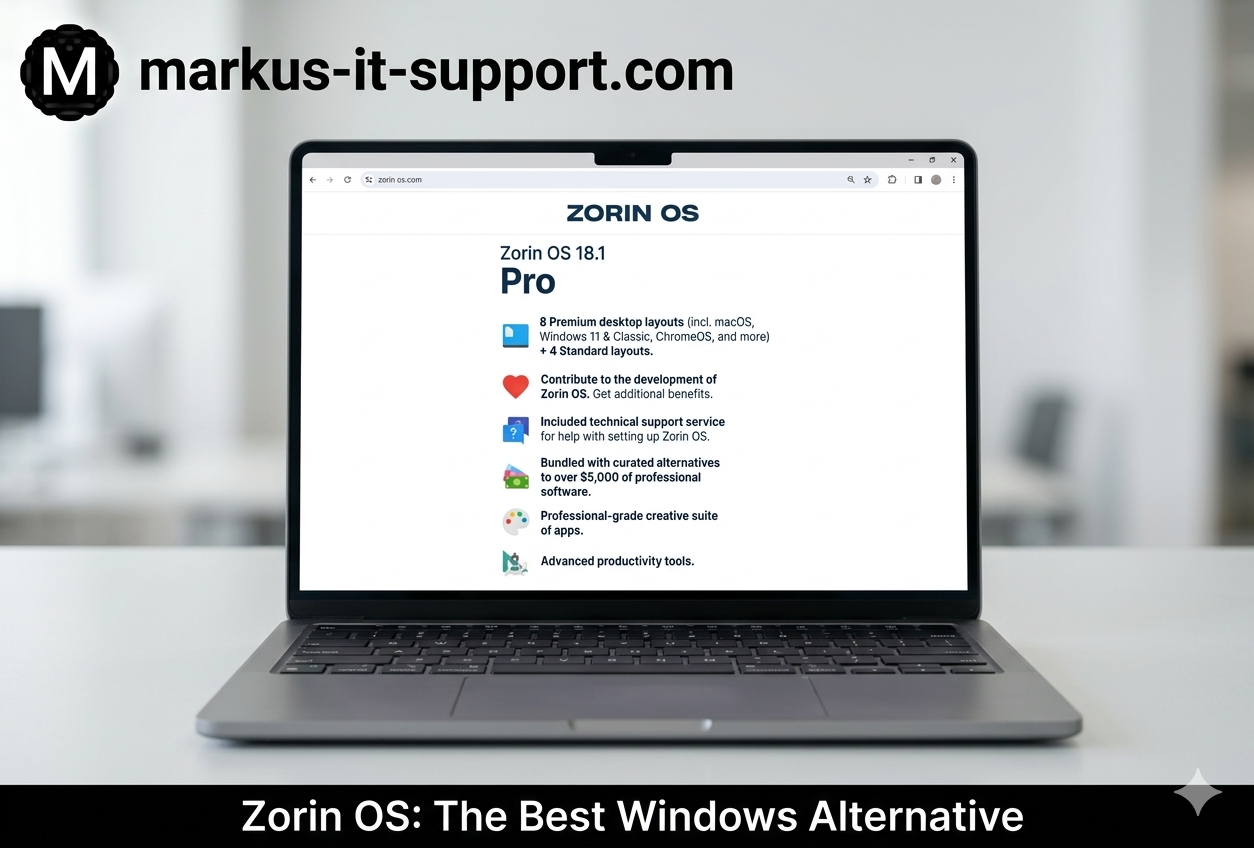
When hardware hits this specific "Legacy" stage—too old for modern Windows, but too well-built to throw away—we deploy what I consider the ultimate escape route: Zorin OS.
What is Zorin OS?
Zorin OS is a brilliantly engineered, robust, open-source Linux environment. Developed by an incredibly talented team in Ireland, Zorin was specifically designed from the ground up to be the ultimate bridge for lifelong Windows users who want to transition to Linux without the steep learning curve traditionally associated with open-source software.
At its core, Zorin is based on Ubuntu, one of the most stable, secure, and widely used Linux distributions on the planet. This means it inherits rock-solid stability, enterprise-grade security, and an engine that is phenomenally efficient at handling hardware.
Familiarity Meets Blazing Speed
The magic of Zorin OS is its interface. For decades, the barrier to entry for Linux was the terrifying prospect of using a text-based "Terminal" to do everything. Zorin completely eliminates this. It offers a desktop environment that feels instantly and comfortingly familiar. The taskbar is exactly where you expect it to be at the bottom of the screen. The "Start Menu" functions exactly like the one you've used for years. The file explorer makes intuitive sense.
But beneath that beautiful, familiar interface is a lightweight engine that demands a fraction of the processing power of Windows. By transitioning a "Legacy" PC to Zorin OS, we effectively strip away the digital weight. We remove the heavy background indexing and the constant telemetry.
The result is staggering. An older PC that crawled under Windows 10 will boot rapidly, open applications instantly, and feel incredibly snappy. For extremely old hardware, we deploy Zorin OS Lite, an even leaner version designed specifically to make 10-to-15-year-old computers fly.
Total Security and Open Source Freedom
Because Zorin is built on Linux architecture, it is fundamentally secure. It does not suffer from the same vulnerabilities that target Windows machines, making it practically immune to standard .exe viruses and ransomware. You do not need to bog the system down with heavy third-party antivirus software.
Furthermore, Zorin comes pre-loaded with everything you need out of the box. It includes LibreOffice, a powerful, free suite that is fully compatible with Microsoft Word and Excel documents. It has a built-in Software Store where you can safely download thousands of free applications with a single click. And unlike modern commercial operating systems, Zorin does not force you to create a cloud account just to log into your own computer. It respects your privacy and keeps your data local.
The Ultimate Legacy Rescue
If you have a sturdy, reliable PC that Microsoft says is no longer supported, do not add it to the e-waste pile. By embracing the power of open-source engineering and installing Zorin OS, we can give your classic hardware a powerful, secure, and lightning-fast second life.
Further Reading & Resources
- Markus IT Intel: ChromeOS Flex: The Web-First OS →
- Markus IT Services: Explore our Linux Conversion Services →
- External Insight: The Official Zorin OS Project ↗