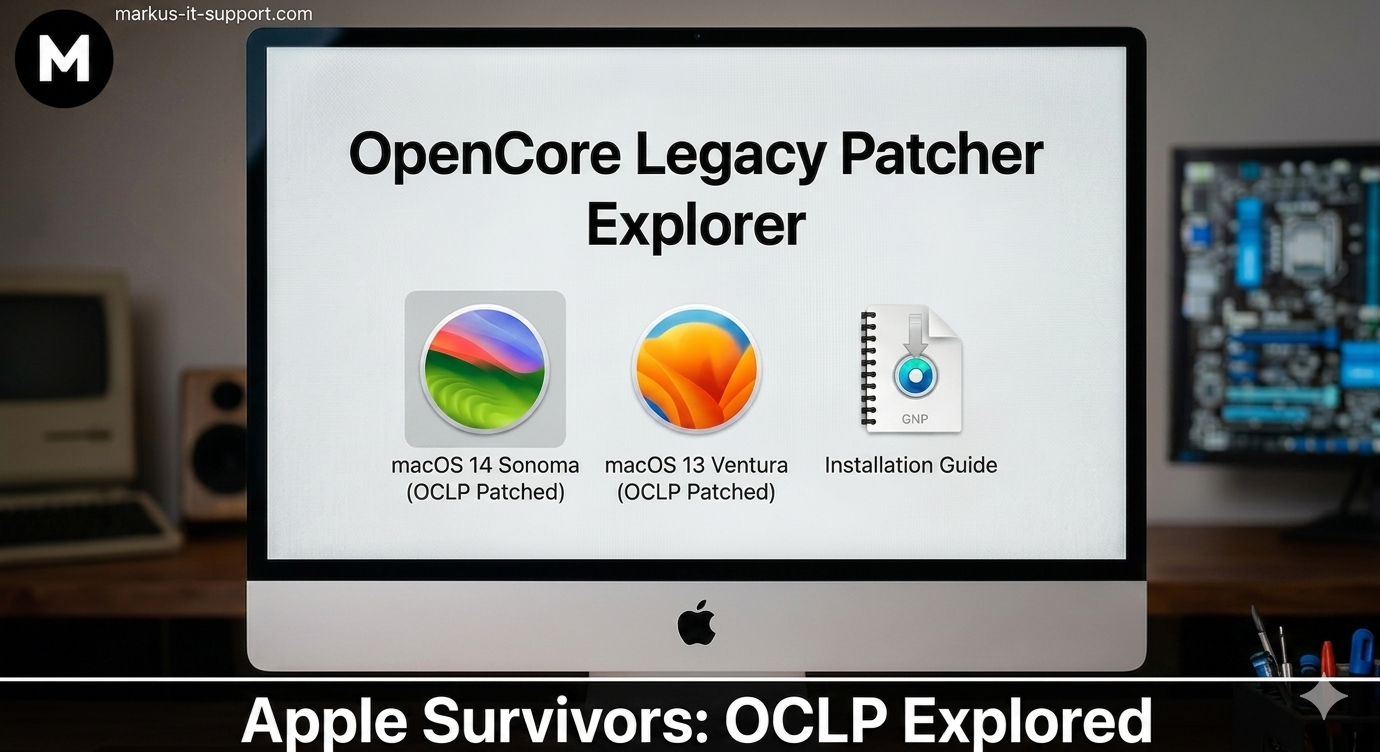
There is a reason I absolutely love the Apple hardware built between 2012 and 2020. This was a true "Golden Era" of engineering. These machines were crafted with thick, durable aluminum, precision-milled glass, and robust Intel processors that were remarkably future-proofed. Compare that to the modern trend of flimsy, plastic-heavy budget laptops dominating the entry-level PC market today, and it becomes blindingly obvious why these premium vintage Macs are worth fighting for. They were built to be workstations, not throwaway gadgets.
However, if you own one of these Intel-based survivors, you likely know the frustration of being told your hardware is no longer supported by the latest macOS updates. Despite having world-class 5K displays and plenty of processing power, perfectly capable hardware is routinely cut off from essential security updates. This perfectly illustrates what I call the Software Wall—a strict software limitation that forces beautifully engineered machines into early retirement.
Let me be exceptionally clear: Apple's transition to their modern M-series Silicon (M1/M2/M3/M4) is undeniably fantastic. The new chips are an absolute engineering marvel and a massive leap forward in technology. But for the budget-conscious user, or the everyday professional whose daily computing needs haven't fundamentally changed, throwing away a premium, durable machine simply because of a software policy makes zero financial or environmental sense. These machines should not be heading to the landfill.
Why I Love OCLP: The Ultimate Hardware Rescue
This is exactly why OpenCore Legacy Patcher (OCLP) is one of my absolute favorite tools in the tech industry. It is the great equalizer. It allows me to take hardware that I know is structurally superior to modern budget alternatives and give it the modern software it needs to stay relevant. It is the ultimate tool for breaking through the Software Wall and maximizing the lifespan of your investment.
The Birth of a Lifeline: Why OCLP Came About
As Apple moved rapidly and understandably toward their incredibly powerful M-series architecture, millions of Intel-based Macs were left stranded on older operating systems like Catalina or Monterey. Browsers started warning users about unsupported software, banking apps refused to load, and beautiful aluminum machines were effectively turned into expensive paperweights.
Out of this frustration, a remarkable grassroots movement was born. A collective of highly skilled, anonymous developers and reverse-engineers—most notably the Dortania team—decided they were not going to let this premium hardware die. They created OpenCore Legacy Patcher (OCLP). OpenCore itself was originally designed for the "Hackintosh" community (running macOS on standard PCs), but the Dortania team brilliantly adapted this bootloader technology to breathe life back into genuine, aging Apple hardware.
The Unsung Heroes of Hardware Preservation
It is impossible to overstate the achievement of the Dortania team and the wider OCLP community contributors. These are techies operating at the absolute highest level of software engineering, reverse-engineering complex drivers, and battling undocumented code changes from one of the largest tech companies in the world. And they do this entirely for free.
They give their world-class knowledge, countless hours of troubleshooting, and their personal time to keep your Mac running. They don't charge for the software. They rely entirely on community support, donations, and a shared passion for sustainability and computing freedom. They are the true heroes of Mac hardware preservation, and the global tech community owes them an enormous debt of gratitude.
Is This a Hack?
I get asked this question frequently, and the answer is a definitive no. It is far from it. The macOS Sonoma or Sequoia that we install is the exact, official operating system downloaded directly from Apple's servers. It is completely unmodified, meaning your native Apple security features, full iCloud integration, FileVault encryption, and access to the modern App Store function exactly as intended.
The only difference is how the machine starts up. OCLP simply writes a custom bootloader. A bootloader is a preliminary list of commands that tells the CPU how to wake up and load the operating system. Once that bootloader is running and the official OS is installed, the modern macOS (which is increasingly written and optimized for newer M-series processors) needs a translation layer. When Apple releases a new OS, they often strip out the drivers (known as kexts) for older CPUs, graphics cards, and Wi-Fi modules.
OCLP works by dynamically injecting these necessary legacy patches right as the machine boots, informing the modern OS exactly how to handle your older Intel CPU and legacy GPU. It is a highly sophisticated, professional bridge that effectively resets the clock on your machine's lifespan.
The DIY Route: Can You Do It Yourself?
Because the project is open-source and freely available on platforms like GitHub, anyone can download the OCLP app and attempt the installation themselves. The Dortania team provides incredibly detailed, step-by-step documentation. For tech-savvy users who enjoy tinkering, reading through terminal logs, and creating bootable USB installers, deploying OCLP on your own machine is a highly rewarding weekend project.
The Reality of the Trenches: Why It Isn't "Click and Work"
However, I must offer a strong word of caution. While the modern OCLP graphical interface makes the process look deceptively simple, it is rarely a guaranteed "click and work" miracle. In my Chesham workshop, I have performed countless OCLP deployments across a massive variety of iMacs, Mac Minis, and MacBooks, and I can tell you firsthand: it requires serious technical patience.
I have fought the dreaded "prohibitory symbol" on boot, endless black screens, kernel panics, and infinite boot loops. The configuration is highly specific to the exact year, model identifier (e.g., iMac15,1 vs iMac17,1), and internal components of your specific Mac.
Hardware Quirks and Software Tantrums
Certain hardware configurations are notoriously stubborn. For example, older Macs equipped with specific NVIDIA Kepler GPUs or older AMD graphics cards often actively fight newer versions of OCLP. You can easily find yourself with a machine that boots but has no graphics acceleration, resulting in a sluggish, unusable interface that takes five seconds just to minimize a single window.
Furthermore, Apple doesn't make this easy. Every time Apple releases a minor point update for macOS Sonoma or Sequoia, it can break the OCLP patches. A simple overnight security update can result in a Mac that loses its Wi-Fi, drops Bluetooth connectivity, or completely forgets how to wake up from sleep mode. Fighting these errors requires booting into recovery modes, rolling back root patches, and meticulously tweaking the EFI partition. This is why professional deployment—and having a seasoned technician to handle the inevitable hiccups—is often the smartest route for users who rely on their Macs for daily work.
The Latest News: Is OCLP Coming to an End?
Recently, there have been murmurs and rumors in the tech community that the OCLP project might eventually be coming to an end. Because the Dortania team is largely anonymous, we can only surmise their exact roadmap, but the writing is on the wall from Apple's side.
As Apple entirely phases out the Intel x86 architecture in favor of their proprietary Apple Silicon (M1/M2/M3/M4 chips), they are actively removing the foundational Intel code from macOS. Eventually, a future version of macOS simply will not contain the basic building blocks required for an Intel processor to understand it. When that day comes, injecting legacy drivers will no longer be enough. OCLP can perform miracles, but it cannot translate an entirely different processing language.
While the project may eventually reach its natural conclusion as the last Intel Macs fade from relevance, what the team has achieved over the last few years is nothing short of legendary. Until that final wall is hit, we will continue to use this incredible tool—paired with physical SSD upgrades and thermal servicing—to take premium vintage Macs destined for the recycling bin and return them to the front lines of professional utility.
Further Reading & Resources
- The Dortania GitHub: OpenCore Legacy Patcher Repository
- Official OCLP Documentation: Getting Started Guide
- Related Insight: The Software Wall - Don't Throw It Away!