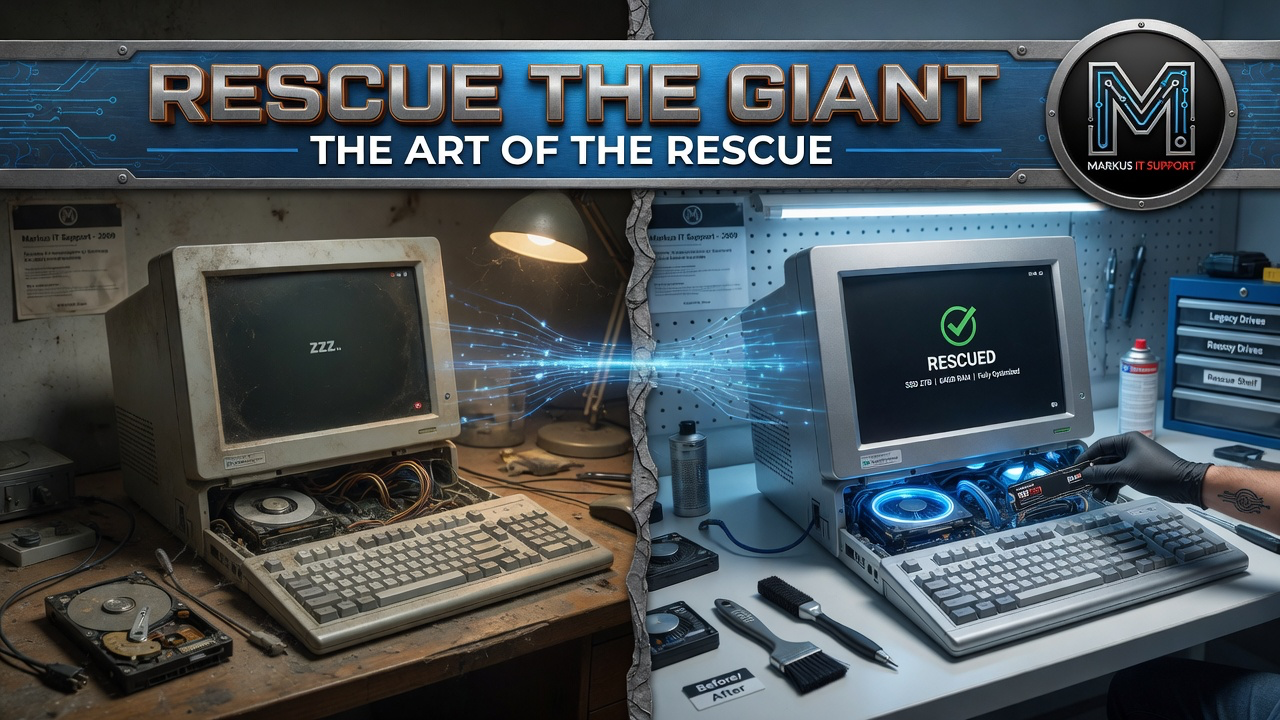
My approach is simple: rescue before replacement. Check what a machine is actually capable of before assuming it's finished.
Whether you're a home user or run a small business, an "obsolete" Mac often has years of genuine daily use left in it. Here's the quick version of why — the full detail is in The Software Wall.
The slowness usually isn't the processor
Older Intel Macs were solidly specced for their time. Most of what feels like slowness today is a mechanical hard drive, not a tired CPU — swap it for an SSD, refresh the thermal paste, and the same machine often outperforms a new £600 budget laptop.
The display is worth factoring in
Apple's Retina displays, especially the 5K panel on the 27-inch iMac, are still very good screens. A standalone monitor matching that quality would cost roughly £1,000–£1,500 on its own — restoring the machine keeps that display working for you.
A software cut-off isn't proof of hardware failure
If macOS won't update, that's a real compatibility and security question worth taking seriously — but it doesn't by itself mean the hardware is done. On suitable models, an unofficial compatibility route can extend access to a newer macOS version; model support, backups and recovery all need discussing first. For exact current prices on modernisation, SSDs and batteries, see the Mac pricing page.
Get in touch
Before spending on a new machine that's often sealed and hard to repair, tell me what you have and what it's doing.