Think back to when you unboxed your aluminium iMac or MacBook. It was a serious purchase — often £1,500 or more — and it felt like it would last. Solid, quick, well made.
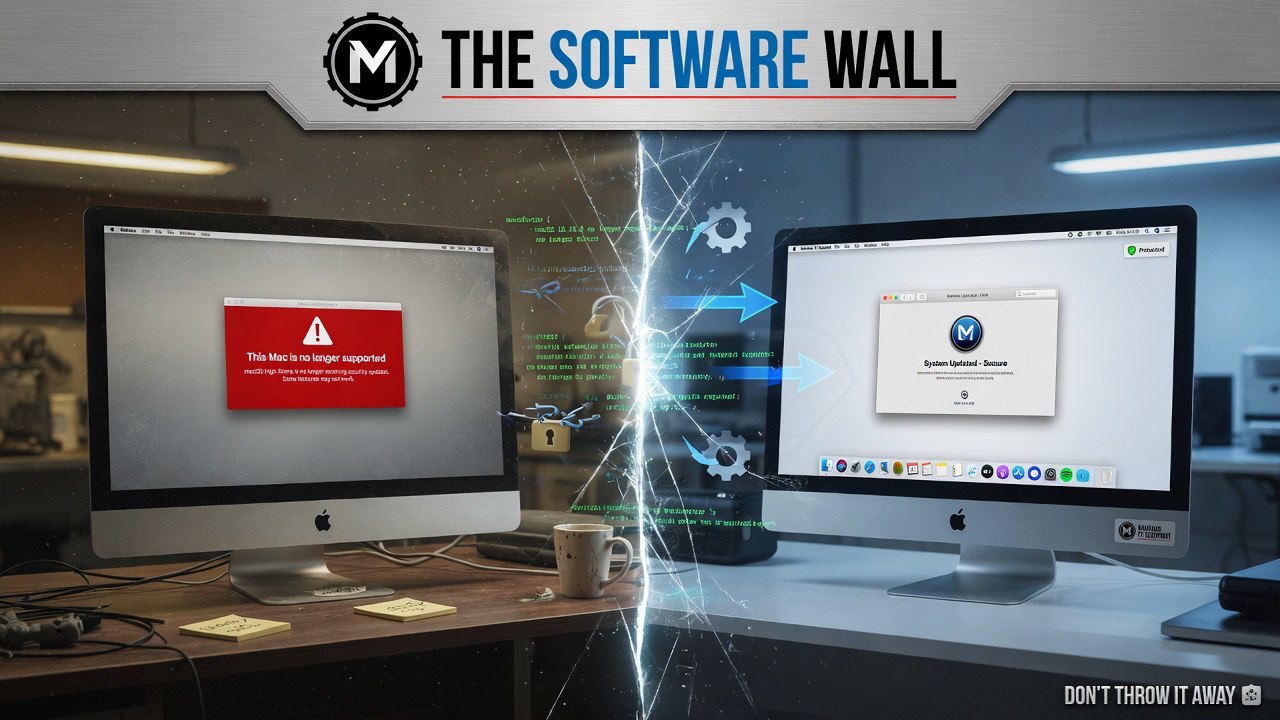
Then, one day, a notification appears: your Mac is no longer supported by the latest macOS. Your browser warns it won't get security updates. Your banking app refuses to load. It's frustrating, especially when the machine still turns on and runs exactly as well as the day you bought it.
Here's the part worth understanding: that machine isn't "too old" in any hardware sense. What you've hit is a software support cut-off — a policy line, not a verdict on the metal.
Understanding the software support cut-off
Every hardware maker eventually stops writing new software for older chip architectures. It's a real cost for them to keep testing and maintaining drivers for processors that are ten years old, so at some point that support ends and a compatibility line gets drawn. That's a reasonable business decision on their part — the side effect is that plenty of machines still capable of years more daily use get labelled "unsupported" long before they're actually worn out.
That's the gap I work in: telling you honestly whether your machine is on the wrong side of a policy cut-off, or genuinely past its useful life.
The Golden Era: Built to Last (2012 - 2020)

There was a specific window of time where Apple was building hardware that was, by today’s standards, beautifully over-engineered. Think of the 2012 through 2019 MacBook Pros and the iconic 21.5-inch and 27-inch iMacs. They were constructed with thick, durable aluminum, precision-milled glass, and robust Intel i-series processors that were light-years ahead of the software they were running at the time.
These machines were built with heft and soul. They featured upgradable RAM (especially the 27-inch iMacs with their convenient rear hatches), standard ports, and cooling systems designed to sustain heavy workloads for hours on end.
Compare that to a lot of what's sold new today: sealed systems with soldered RAM and storage, built from flexible plastics. If one part fails, the whole machine is scrap. Your older Mac was built as a workstation — it has the thermal mass, screen quality and CPU headroom to keep doing real work. It just needs the right service to get there.
Do you actually need Apple silicon?
To be fair to Apple: the M-series chips are a genuine engineering achievement — cool-running, long battery life. If you're editing 8K video, compiling large software projects, or doing serious 3D work, an M-series Mac earns its keep.
But most day-to-day use is browsing, email, streaming, documents, photos and video calls. That doesn't need a neural engine.
A well-specced Intel i5 or i7 from 2015 handles all of that comfortably. If your daily use is ordinary, the software cut-off is the only thing standing between you and a machine that already does the job.
Smashing the Software Wall

So, what are the options? On suitable Macs, open-source compatibility projects such as OpenCore Legacy Patcher (OCLP) can sometimes extend access to newer macOS versions. This is an unofficial route with model-specific limitations and maintenance risks, so compatibility, backups and recovery options must be discussed before installation.
Worth being clear about what this isn't: it's not a hack, and it's not a modified or pirated macOS. It's the exact, official installer from Apple's servers. What changes is the bootloader — a set of drivers loaded at startup that translate the new OS for your older Intel hardware and graphics.
Done properly, your Apple ID, iCloud sync, FileVault encryption and standard Apple security updates all keep working as normal.
The Real Bottleneck: Mechanical Treacle
If your hardware is so powerful, why does it feel like you are wading through thick treacle just trying to open an application? The answer is almost always the Mechanical Hard Drive (HDD).
Back in the 2010s, massive storage was expensive, so Apple (and PC manufacturers) used spinning magnetic platters. Imagine a mechanical hard drive like a massive physical library, and the processor is the librarian. Every time you open an app, the librarian has to put on their running shoes, sprint down hundreds of aisles, find the right book, and bring it back. As the drive ages, the librarian gets slower, and the library gets messier.
When I perform a Rescue, the very first thing I do is rip out that creaking, spinning drive and replace it with a modern Solid State Drive (SSD). An SSD has absolutely zero moving parts; it is pure flash memory. To continue the analogy, an SSD replaces the physical library with a digital index on a tablet. The librarian doesn't run anymore; they just tap a screen and the information is instantly there.
The difference is noticeable: a machine that took minutes to reach the desktop can boot in well under a minute, apps open promptly, and the spinning beachball becomes rare.
Worth rescuing, not just replacing
There's also a practical environmental case here. The world generates tens of millions of tonnes of electronic waste every year, much of it containing metals and battery chemistry that are genuinely harmful in landfill. Manufacturing a new laptop has a real carbon and material cost too. Getting more working years out of a machine you already own is a straightforward way to avoid adding to that.
Don't forget the display
If you have a 27-inch iMac, the screen alone is worth factoring in. Apple's 5K Retina display on that model is still excellent by today's standards — matching it with a standalone monitor is a genuinely expensive proposition. Restoring the machine keeps that display in daily use rather than in a cupboard.
For current SSD, battery and restoration prices, see the Mac pricing page — guide prices there stay up to date; I won't repeat separate figures here that could drift out of sync.
The bottom line
A software cut-off doesn't mean the hardware is finished. If the chassis, display and internals are still solid, a software modernisation, an SSD, and a bit of thermal care can put a well-built Mac back into daily use for a fraction of the cost of a new one. If it genuinely isn't worth it, I'll say that instead.
Further Reading & Resources
- Markus IT Intel: Apple Survivors: OCLP Explored →
- Markus IT Intel: ROI: Why Repairing Beats Replacing →
- Markus IT Intel: The Modular Truth: SSD Power →
- External Insight: The Right to Repair Movement (iFixit) ↗
- External Insight: The OpenCore Legacy Patcher Project ↗