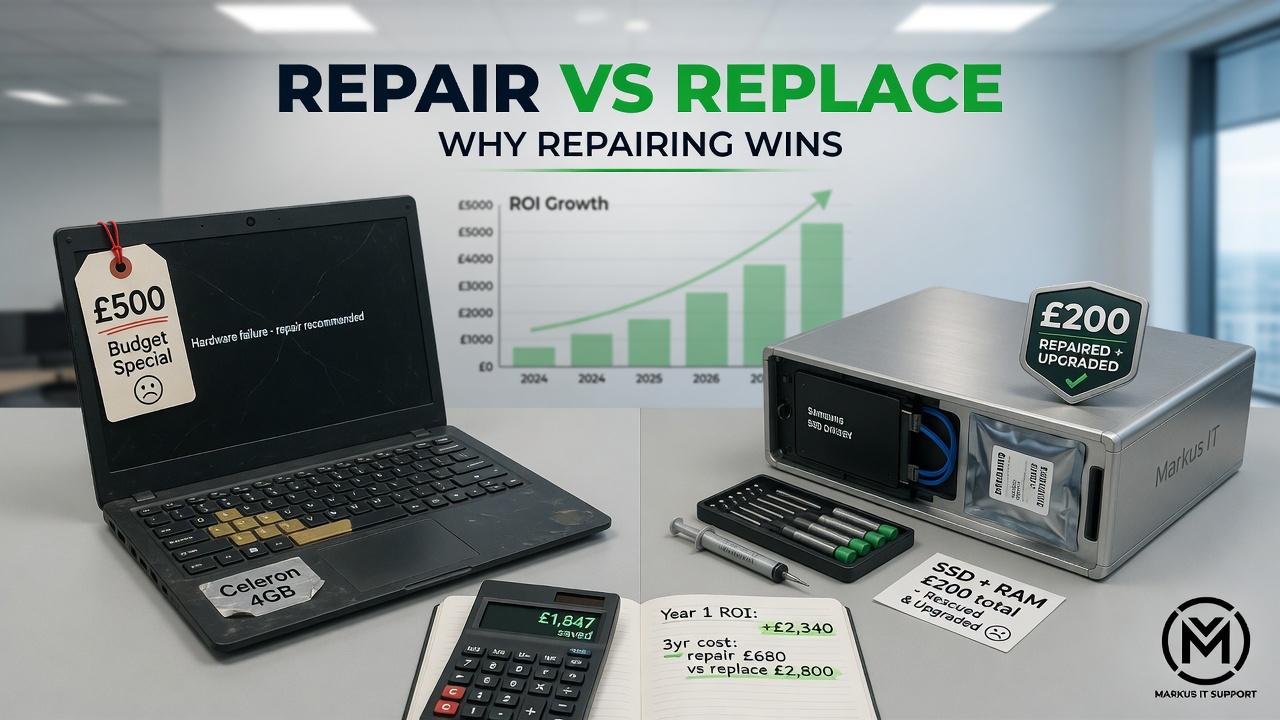
When a trusted computer starts slowing down, hanging on web pages, or taking minutes just to load the desktop, the immediate instinct for most consumers is to head straight to a big-box retail store to buy a replacement. It is a natural reaction. We live in an era where technology is marketed as disposable. You walk into the store, and for roughly £400 to £600, you can walk out with a brand-new, entry-level laptop. It looks shiny, it smells new, and it solves your immediate problem.
Worth pausing on one question first: is a budget replacement actually a good investment? Here's how the numbers usually work out for repair versus buying new.
The "Budget Tech" Trap
To understand the value of what you currently own, we must first look honestly at the modern entry-level market. To hit that attractive £400 to £600 price point in 2026, manufacturers have to make massive compromises. These modern budget machines are often constructed entirely of flexible plastics. They feature low-resolution, low-brightness screens that strain the eyes, incredibly cramped keyboards with minimal travel, and internal cooling fans that sound like hair dryers under load.
Worst of all, they are frequently "sealed systems." The RAM and storage are permanently soldered to the motherboard. You cannot upgrade them. If one component fails, the entire laptop is useless. They are, unfortunately, electronic waste waiting to happen. Within two to three years, these machines frequently suffer from snapped plastic hinges, failing batteries, and processors that simply cannot keep up with basic software updates.
The Golden Era Survivor
Now, let us contrast that with the machine currently sitting on your desk. If you own an aluminum-clad Apple iMac from 2015, a Lenovo ThinkPad T-Series, an HP EliteBook, or a sturdy Dell OptiPlex tower, you own a Professional-Grade Survivor.
You originally paid well over £1,200 to £2,000 for these machines, and that money went into exceptional engineering. You paid for a magnesium-alloy skeleton. You paid for a spill-resistant, tactile keyboard. You paid for a breathtaking 4K or 5K Retina display covered in precision-milled glass. Apple and PC manufacturers from this "Golden Era" (roughly 2012 to 2019) were in a fierce race to build the ultimate, indestructible workstation. They built machines with heft and soul.
These machines often get called "obsolete" simply because they don't meet the newest software requirements out of the box. But the hardware itself — the multi-core i5 and i7 processors, the cooling, the display — is still genuinely capable.
The Triage Math: Refurbish vs. Replace
A budget replacement typically runs £400–£600 and, on past form, lasts around three years before it's struggling again — call it £130–£200 a year.
A restoration on hardware that's still fundamentally sound usually costs a fraction of a new machine's price and can realistically buy another 4–5 years of reliable use. That works out considerably cheaper per year, on top of keeping a machine with a better screen, chassis and keyboard than most budget replacements offer. For exact current prices, see the Mac pricing or PC pricing pages — I'd rather point you to the numbers that stay current than quote figures here that can go stale.
What that typically involves:
- SSD swap: replacing a slow mechanical hard drive with a solid state drive, cutting boot times from minutes to seconds.
- Thermal service: a deep clean and fresh thermal paste so the processor can run at full speed without overheating.
- OS modernisation: a supported, secure install of modern macOS or Windows 11 where the hardware allows it.
The environmental case
There's a real environmental angle too. Manufacturing a new computer uses significant raw materials and energy, and disposing of an old one adds batteries and heavy metals to landfill. Getting more years out of a machine you already own is a straightforward way to reduce both.
The bottom line
Well-built hardware from the last decade was designed to be serviced, not thrown away. Often the machine isn't dead — it's held back by a tired hard drive or a software cut-off that a proper service can address. Where repair genuinely doesn't stack up against replacement, I'll say so.
Further Reading & Resources
- Markus IT Intel: The Software Wall - Don't Throw It Away! →
- Markus IT Intel: Classic Hardware vs Modern Disposables →
- External Insight: The Right to Repair Movement (iFixit) ↗