TPM stands for Trusted Platform Module. It sounds like a committee that meets quarterly and produces a PDF nobody reads. Fortunately, what it does is simpler than its name.
In plain English: a TPM is a small security vault built into — or provided by — the computer’s main hardware. It holds important digital keys so Windows can protect encryption, secure sign-in and checks during startup. It is not your hard drive. It is not antivirus. It is not a subscription.
Why keys need a vault
When a drive is encrypted, a secret key unlocks the data. Leaving that key as an ordinary file on the same disk is rather like leaving the house key under a mat labelled “house key.” A TPM gives the system a protected place for security material so casual theft of the drive is less useful to a thief.
Windows can use it with BitLocker drive encryption, Windows Hello-style sign-in, and features that help detect unexpected changes when the PC starts. Microsoft’s goal with Windows 11 was to make this hardware-backed security normal, not optional after a disaster.
Why Windows 11 will not shut up about it
For normal, supported Windows 11 installs, Microsoft requires TPM 2.0 along with other checks (processor generation, Secure Boot, memory, storage). That is a support and security policy. It is not a laboratory measurement of whether your PC can still open email.
So when PC Health Check fails, read the failure carefully. “No TPM” or “TPM not ready” is a different story from “this processor is off the approved list.” Both matter. Neither automatically means the chassis, keyboard and screen are rubbish.
Does my PC already have one?
Many machines already include TPM 2.0 — sometimes as a discrete chip, often integrated into the processor as Intel PTT or AMD fTPM. Manufacturers love inventing three names for one idea. Helpful.
In Windows you can look under Windows Security → Device security → Security processor details. Microsoft’s PC Health Check tool also reports the common blockers. If Windows cannot see a TPM, it may simply be switched off in firmware (BIOS/UEFI) settings.
Do not dive into firmware casually. If BitLocker is on, changing TPM-related settings without your recovery key is a fast route to a locked drive and a long day. Back up first. Note recovery keys. Then change settings carefully — or ask someone who does this for a living.
What a failed check does not mean
A failed Windows 11 check does not prove:
- The processor cannot run a browser
- The machine is “too old” for any useful life
- You must buy the first plastic laptop on the shelf
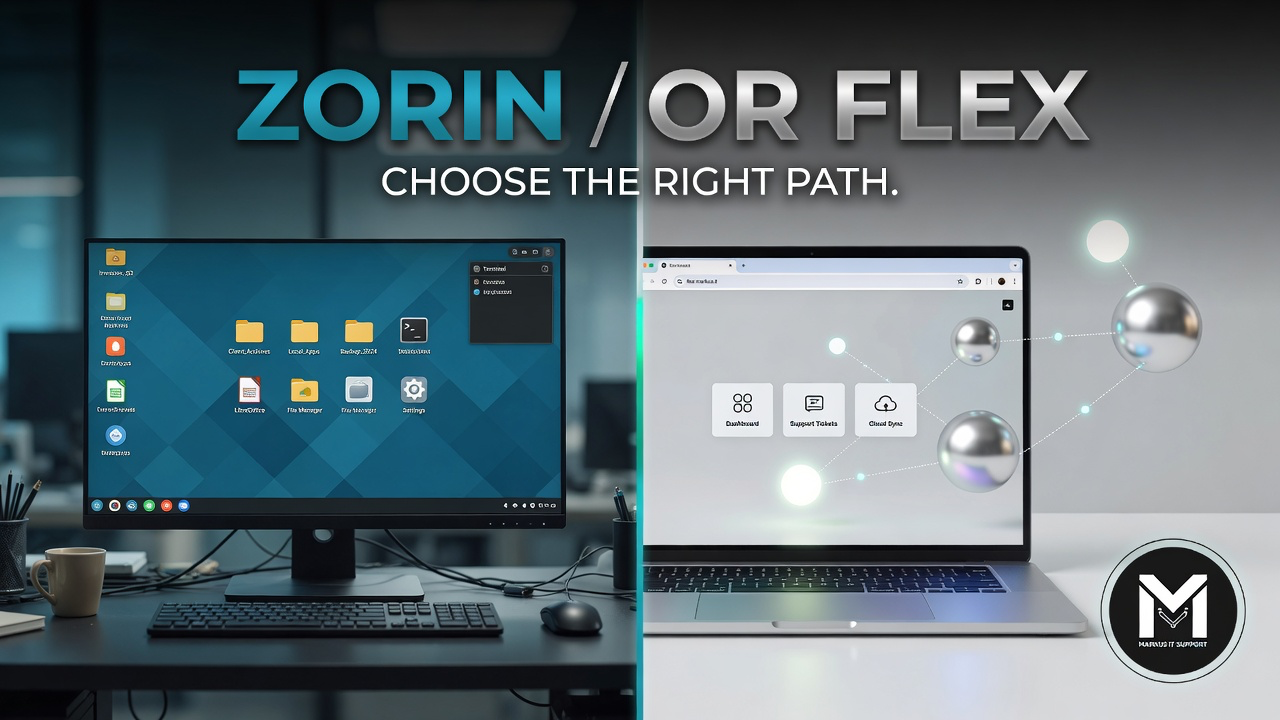
It does mean Microsoft will not treat that configuration as a normal, fully supported Windows 11 path. Your options then look familiar: fix firmware if the hardware is capable; use Extended Security Updates if eligible and you need time; move to Zorin or ChromeOS Flex on suitable hardware; or replace when the complete cost of sticking with Windows no longer makes sense. I wrote about that calm framing in Windows 10 Is Not Broken.
Unsupported installs and wishful thinking
There are ways to install Windows 11 without meeting every official check. They exist. They are not the same as official support. Future updates can break. I will not pretend a forum workaround is identical to a blessed path. If we discuss it, we discuss backups, recovery and risk in daylight — not as a party trick.
The final verdict
TPM is a security vault, not a moral judgement on your 2016 ThinkPad. Windows 11 wants it because Microsoft wants modern hardware-backed security as the default. Your job is to understand the check, protect your files, and choose the next path that fits your real life — Windows 11 where it is clean and capable, or a sensible alternative when it is not.
If the vault is simply switched off, we may be able to open the door carefully. If the vault is missing because the platform is outside the policy, we plan around that fact instead of arguing with a splash screen.
Further Reading & Resources
- Guide: What is TPM? Short version →
- Guide: Can my PC run Windows 11? →
- Markus IT Intel: Windows 10 Is Not Broken →
- Markus IT Intel: Zorin OS or ChromeOS Flex? →