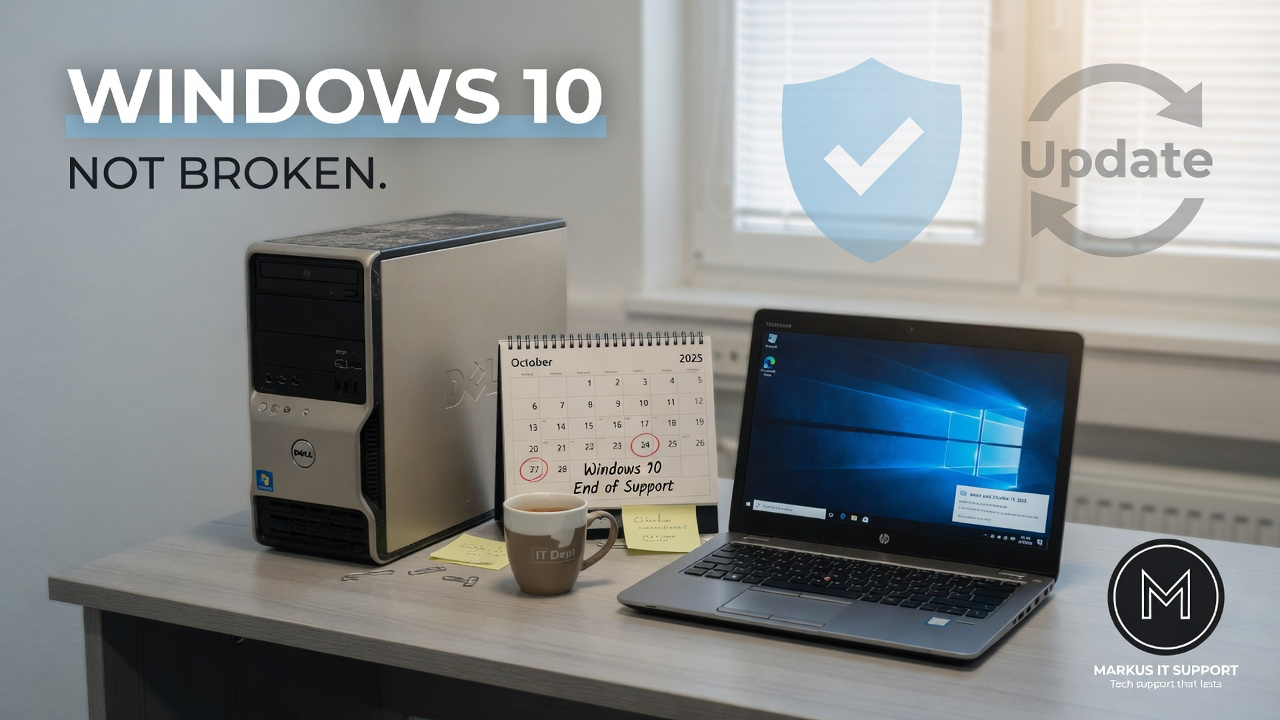
If your PC still boots, still prints, still opens email and still plays the same YouTube videos it played last month, you may be wondering why the internet is full of “Windows 10 is dead” headlines.
Here is the calm version. Windows 10 did not stop working on 14 October 2025. What ended was Microsoft’s ordinary support: the regular security fixes, feature updates and technical help that keep a mainstream operating system on a sensible footing. The machine is not a paperweight. The calendar simply moved past a support deadline.
Think of it like the expiry of a safety inspection, not an engine failure. The car may still drive. The question is whether you want to keep driving without the usual factory safety updates.
What actually changed
After normal support ends, newly discovered security weaknesses are no longer routinely patched for ordinary Windows 10 machines — unless the computer is covered by Microsoft’s limited Extended Security Updates (ESU) programme. Browsers, antivirus vendors and other software makers also start planning their own cut-off dates. Over time, an unsupported system becomes a less sensible place for banking, shopping and confidential work.
That does not mean every Windows 10 PC becomes dangerous overnight. It means the risk rises gradually if you do nothing. Criminals do not retire because your laptop is comfortable and you only use it for email.
A failed Windows 11 check is not a death certificate
Microsoft’s Windows 11 requirements — processor generation, TPM 2.0, Secure Boot, memory and storage — are partly a security and support policy. A PC Health Check failure often means “this model is outside Microsoft’s approved list,” not “this hardware is physically useless.”
I have seen fast, well-built business machines fail the check because of a disabled TPM, an older but still capable CPU, or a firmware setting that can be reviewed carefully with a backup and recovery key in hand. I have also seen weak, sealed budget laptops pass the check and still feel miserable to use.
Compatibility is not the same as value. Decide what the computer must do for you over the next few years, then map the path. Do not buy the first plastic laptop on a high-street shelf because a support banner made you panic.
Your realistic options
Most owners have four routes. None of them is “always right.”
- Upgrade to Windows 11 when the PC officially qualifies and still has enough power, storage health and comfort for daily work. On a suitable machine this is often the simplest supported path.
- Extended Security Updates when eligibility gives you breathing room. ESU is a bridge — important security updates for a limited period — not a promise of new features or full long-term support.
- Change the operating system when Windows is no longer a good fit but the hardware is still solid. For a traditional desktop feel, Zorin OS can be excellent on the right PC. When life is almost entirely browser-based, ChromeOS Flex can feel remarkably light.
- Replace the computer when several faults stack up, reliability is non-negotiable, or essential Windows-only software has no sensible alternative.
Unsupported Windows 11 installs exist in the wild. They are not the same as official support. Future updates are not guaranteed. That route needs a complete backup, a recovery plan and an honest conversation — not a YouTube “one click” promise.
What I look at before recommending anything
Age on the box is the least interesting number. I care about:
- Whether the machine is still structurally sound — hinges, screen, keyboard, battery, charging
- Whether the storage is a tired mechanical drive or already an SSD
- How much free space and working memory you actually have under real use
- What you must run every week: bank, Office, specialist software, printers, video calls
- Whether a repair or system change costs less than a genuinely equivalent replacement — not the cheapest advert
A free appraisal is not a booking form in disguise. It is advice first: model, symptoms, what you need the computer to do, and an honest view of which branch makes sense.
The final verdict
Windows 10 end of support is a software wall for the PC world — the same family of problem I talk about with older Macs. The hardware may still be a sleeping giant. The policy changed. That is frustrating, but it is also navigable if you refuse to be bounced into a disposable replacement without checking the options.
Back up your files. Identify the model. Run the compatibility checks if Windows 11 is on the table. Then choose a path that matches your actual life — not a retailer’s quarterly target.
Further Reading & Resources
- Plain-English guide: What does Windows 10 end of support mean? →
- Compatibility: Can my PC run Windows 11? →
- Markus IT Intel: Zorin OS: A Windows Alternative →
- Markus IT Intel: Files First: Back Up Before You Change →