I can rescue a slow PC. I can install an SSD. I can put Zorin OS or ChromeOS Flex on suitable hardware and watch a machine that felt finished become useful again.
What I cannot do — and what no technician should promise after the fact — is recreate family photographs, years of accounts files or a thesis that only lived on one internal drive that was then erased.
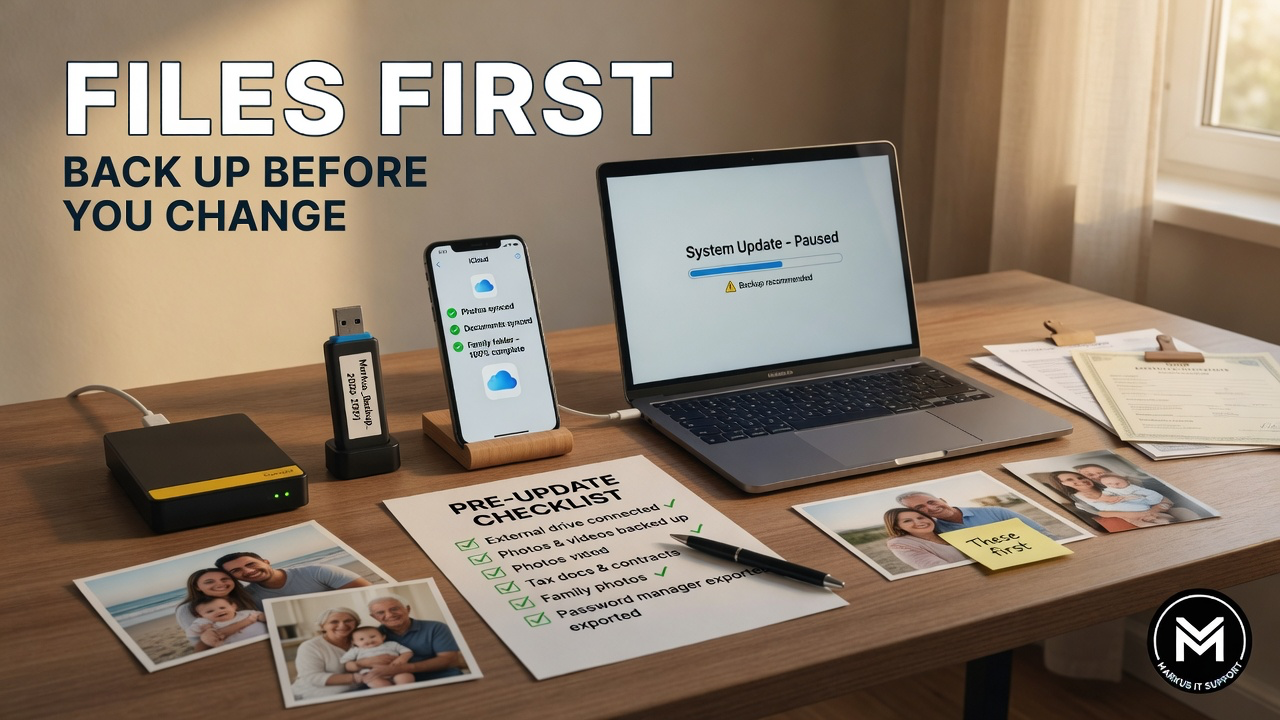
So before we talk about operating systems, upgrades or replacements, here is the rule that sits above every clever rescue: files first.
What a full install can erase
A normal full installation of Windows, Zorin OS or ChromeOS Flex can wipe the internal drive. That means the old operating system, installed programs and every file on that disk unless they have been copied somewhere else and checked.
Even “clone the disk” work is safer with an independent backup first. If the original drive is already failing, repeated cloning attempts can make a bad situation worse. Protect the data, then improve the machine.
Cloud is not automatically a backup
OneDrive, Google Drive, iCloud and Dropbox are excellent tools. They are not magic. Confirm that synchronisation has finished. Confirm you can sign in and open files from another device. A folder icon that looks tidy is not the same as a verified second copy.
For irreplaceable material — wedding photos, legal PDFs, business records — keep an independent second copy on an external drive you control. Two places is the minimum. One password problem or one account lockout should not be able to delete your history.
What to copy before any system change
Use this as a practical list, not a guilt trip:
- Documents, Desktop and Downloads folders
- Photographs and videos — including “camera uploads” and phone dumps
- Locally stored email if you use a desktop client
- Browser bookmarks (export them)
- Specialist projects, music libraries, tax folders, school work
- Licence keys, installers you still need, and any recovery keys (BitLocker, FileVault notes)
- Printer settings and “that one PDF I always need”
Then do the step people skip: open a selection of files directly from the backup. If you cannot open them there, you do not have a backup — you have a hope.
Passwords and accounts
A new system will not remember every Wi-Fi password, email login and banking cookie. That is good for security and awkward for humans. If you use a password manager, make sure you can unlock it from another device. If you do not, write down the critical ones in a private place before wipe day — not on a sticky note stuck to the monitor for the whole family to admire.
Printers, scanners and “must work” software
Before you remove Windows, list the non-negotiables: bank websites, Office workflow, specialist tools, printer and scanner models, video calling. Many of these work fine on Zorin or through a browser on ChromeOS Flex. Some do not. Checking is cheaper than discovering the problem after the old system is gone.
You can often test Zorin or ChromeOS Flex from a USB stick without erasing anything. A live test may be slower than a final install, but it is a useful dress rehearsal for Wi-Fi, sound, keyboard, webcam and basic apps.
How I treat your data
In my work, protecting files is not an optional extra. Migration, cloning and verification sit in the plan before any irreversible step. If a drive is already failing, we prioritise recovery conversation over cosmetic speed-ups. If something cannot be guaranteed, I say so in plain English before you pay for hope.
The final verdict
Rescuing hardware is only a success if the life on the machine survives the process. Back up first. Verify second. Change the system third. That order has saved more tears than any clever bootloader ever will.
If you are planning a Windows replacement, an SSD upgrade or a switch to Zorin or ChromeOS Flex, start with the files. Then we can talk about waking the sleeping giant with a clear conscience.
Further Reading & Resources
- Plain-English guide: What happens to my files if Windows is replaced? →
- Markus IT Intel: Windows 10 Is Not Broken →
- Markus IT Intel: Zorin OS: A Windows Alternative →
- Banking check: Online banking on Zorin or ChromeOS Flex →